Virtual staging
Turn an empty room photo into a furnished listing.
Upload one photo of an empty room, choose a style, and get a furnished version for the listing. This page shows what AI staging does well, the three styles that work, and the parts it gets wrong so you can check before publishing.
Before and after
Same room, same camera position. Only the furniture is added.
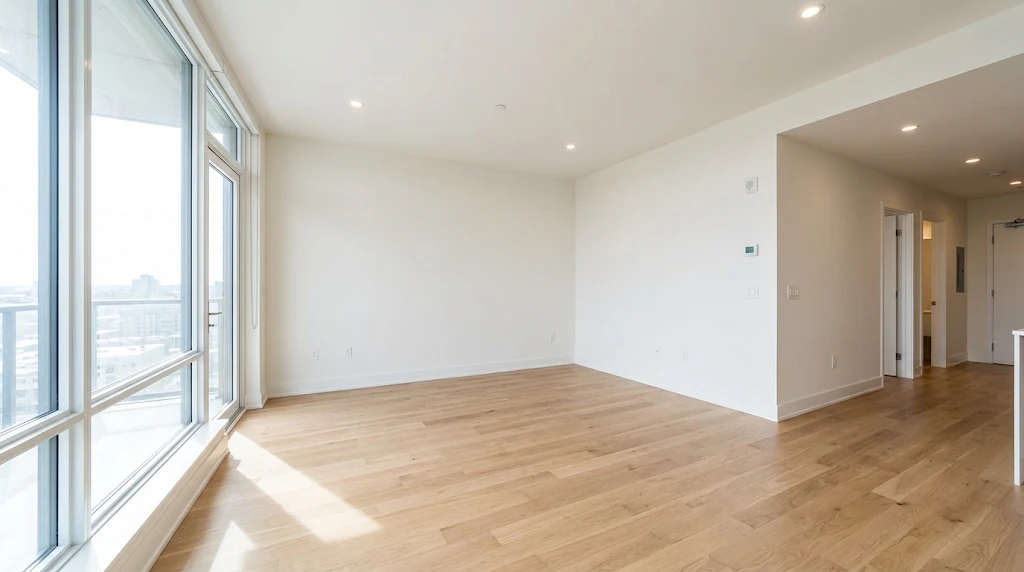
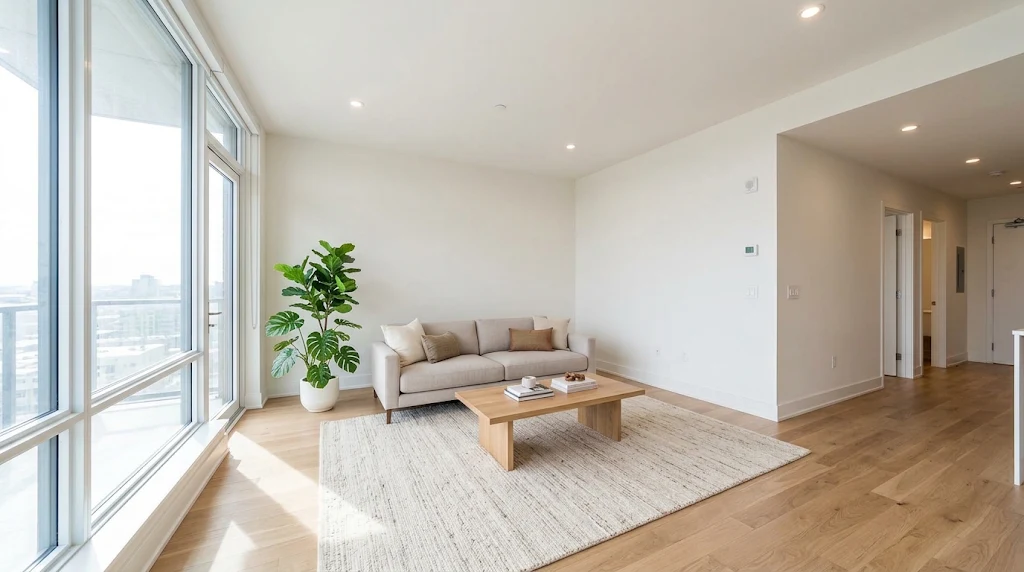
Living room
Floor-to-ceiling glazing, north light, open plan
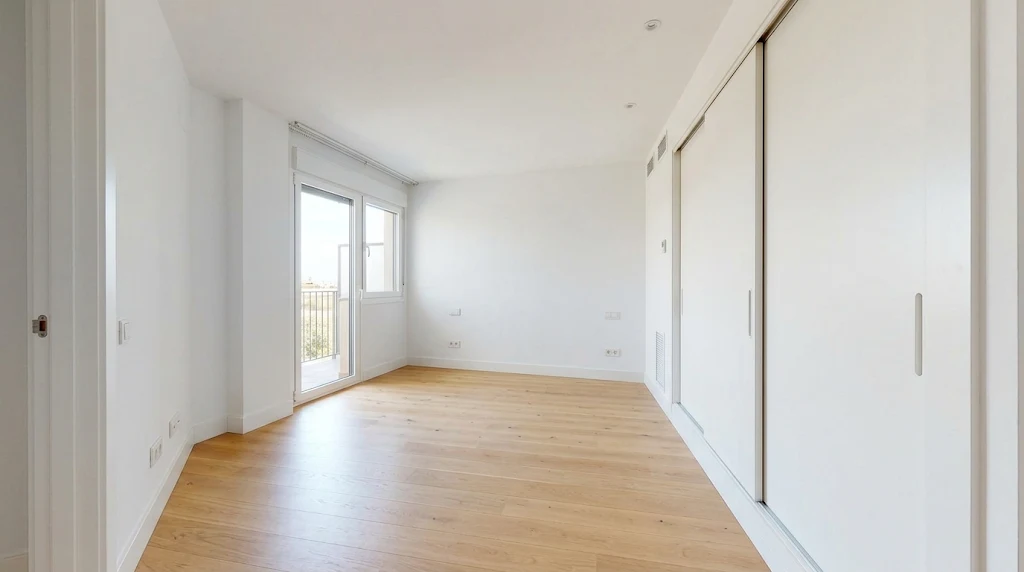
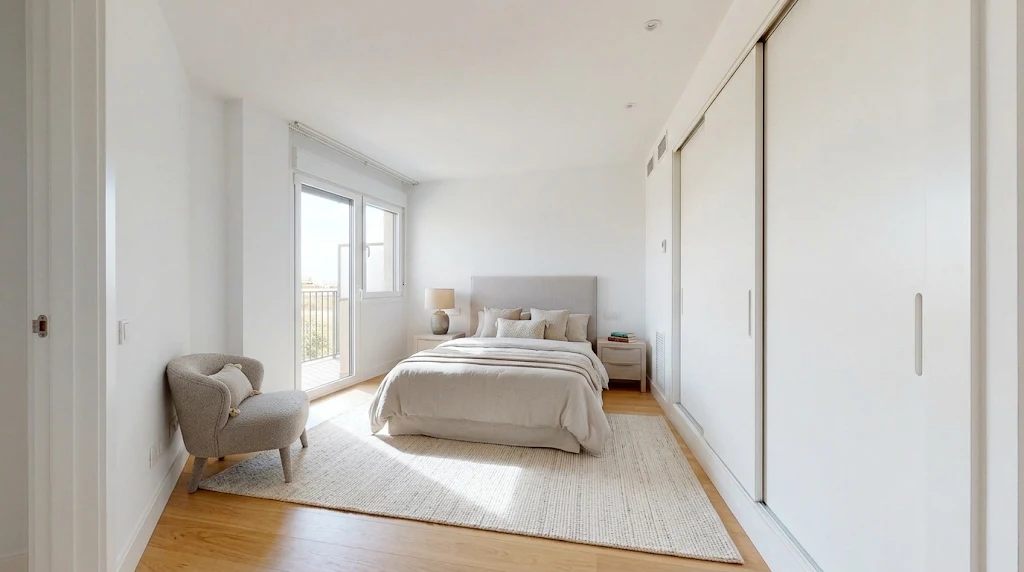
Primary bedroom
Sleeps two, wardrobe wall, balcony access
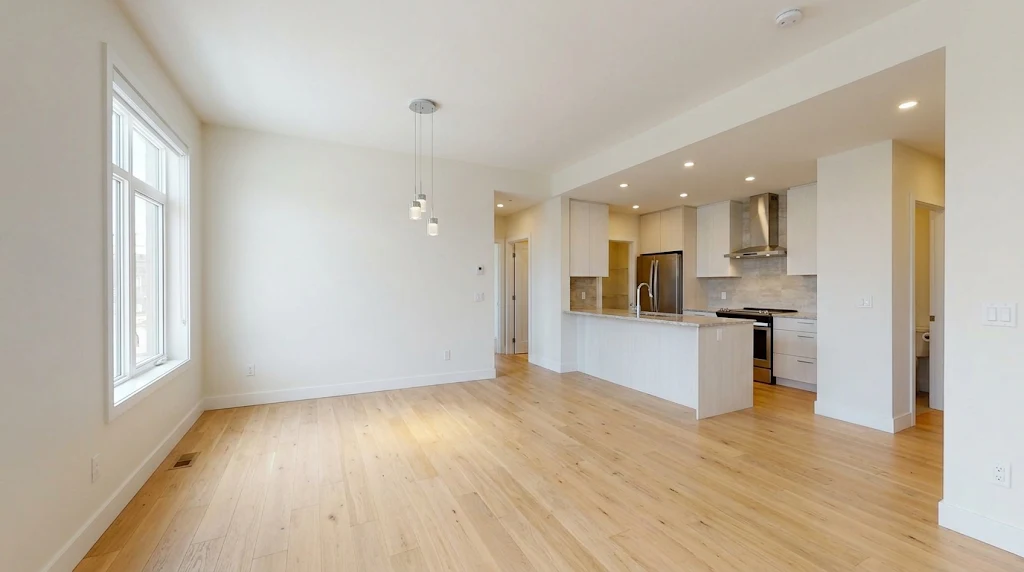
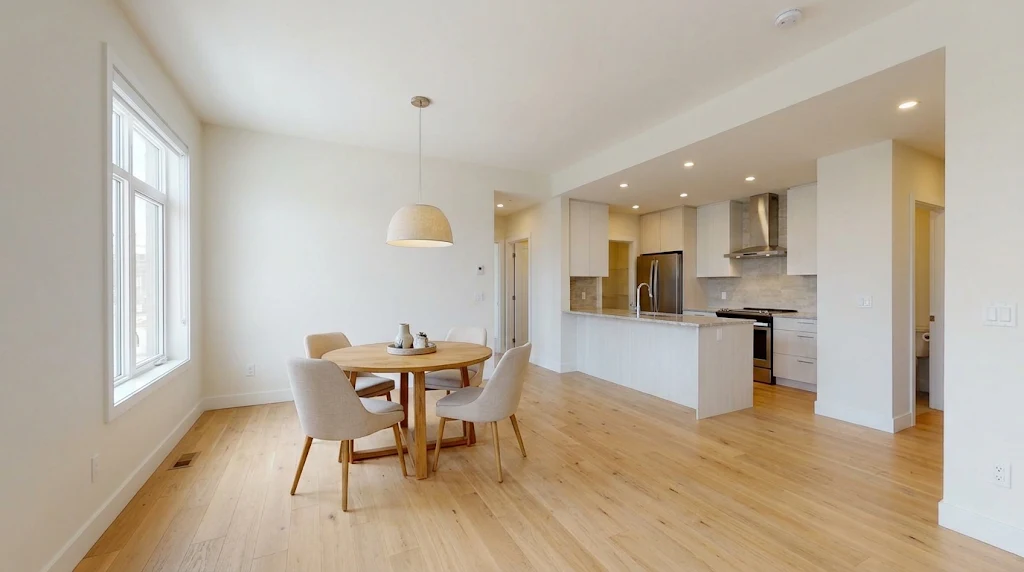
Dining area
Open nook beside the kitchen, seats four to six
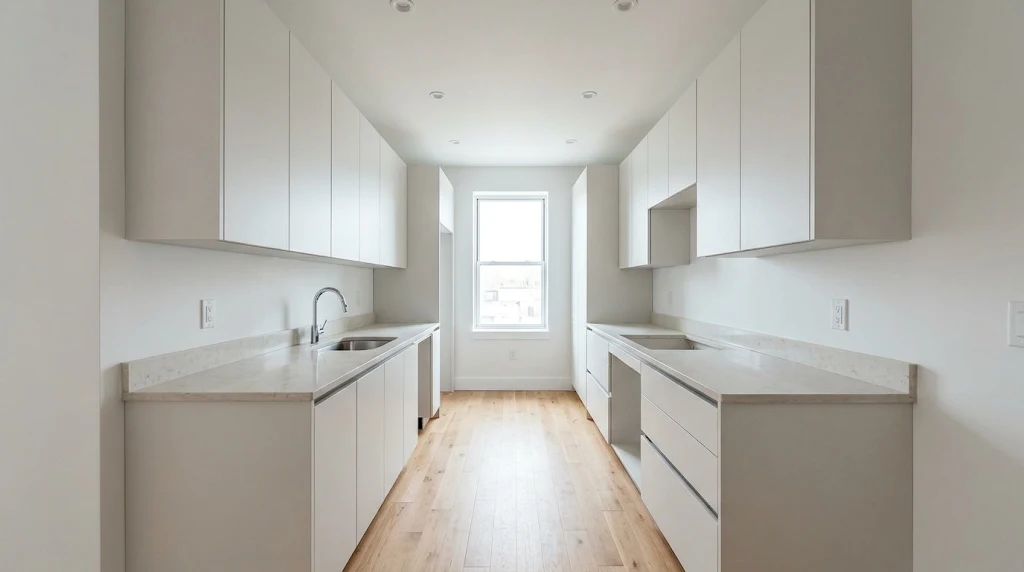
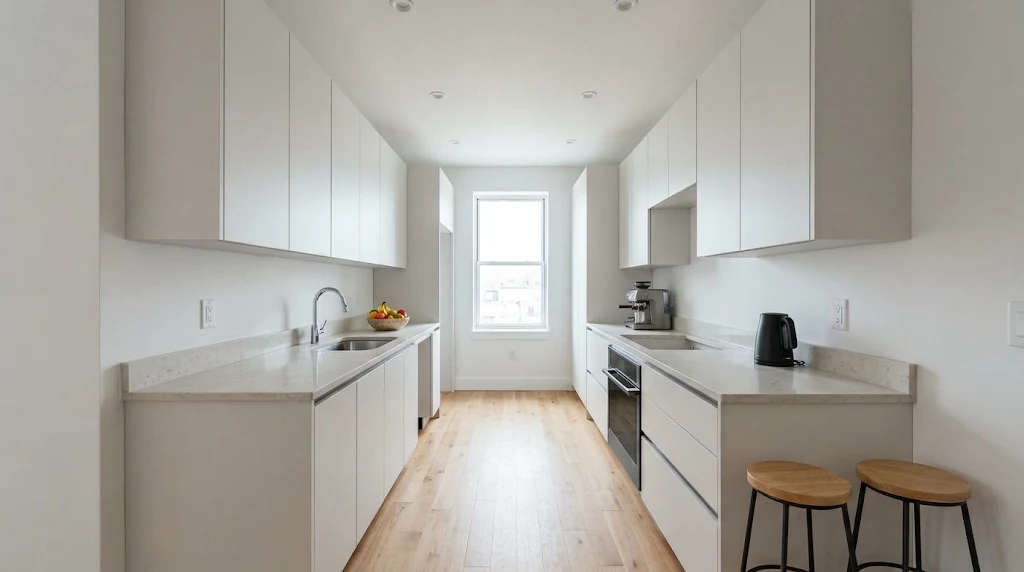
Kitchen
Galley layout, stone worktop, breakfast counter
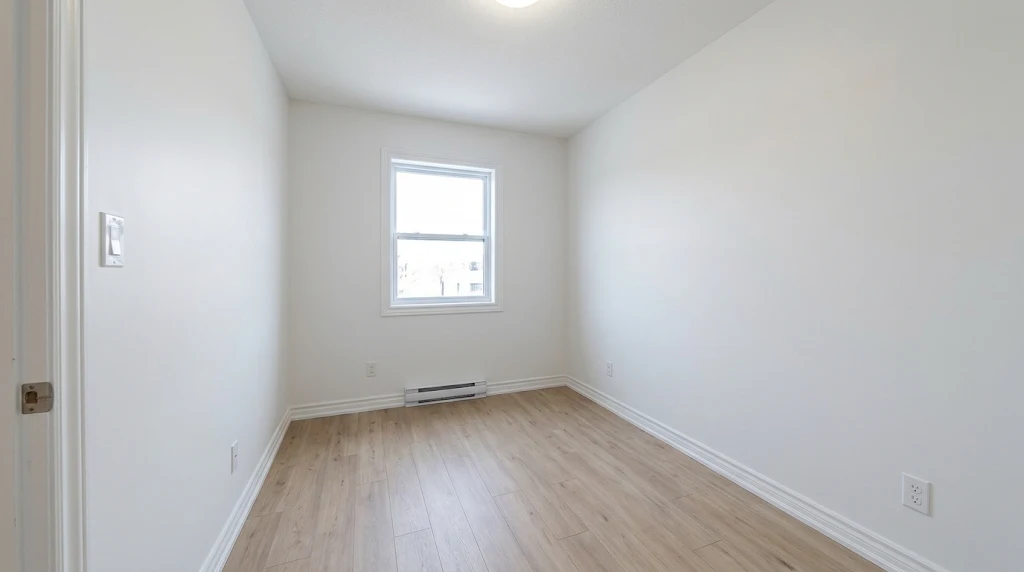
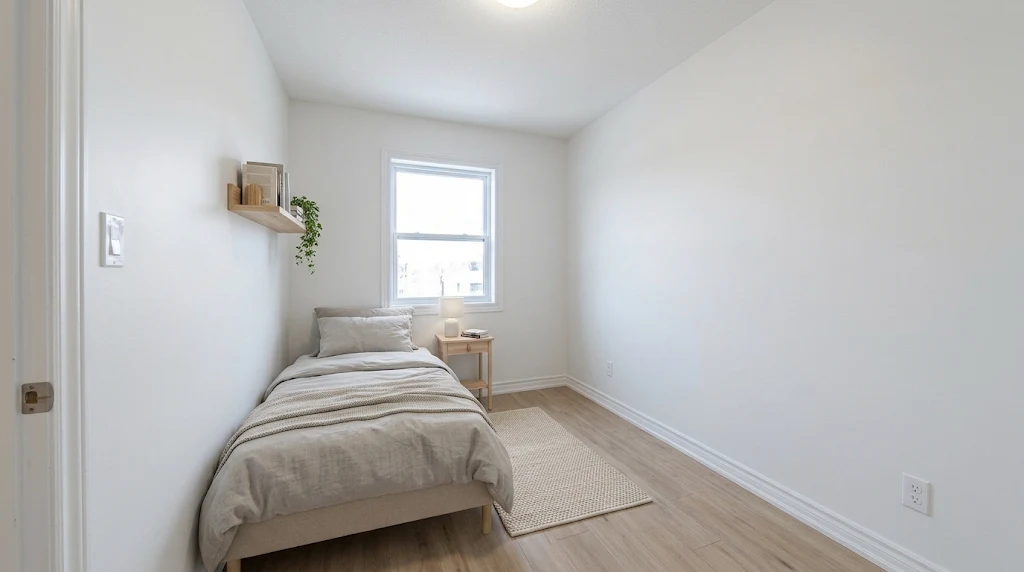
Small bedroom
Single room, limited floor area, one window
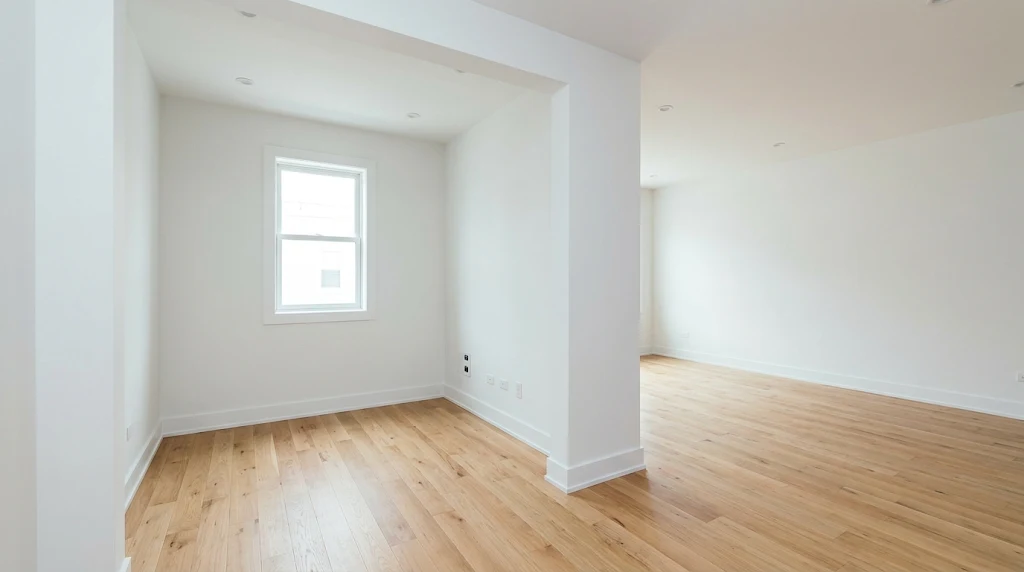
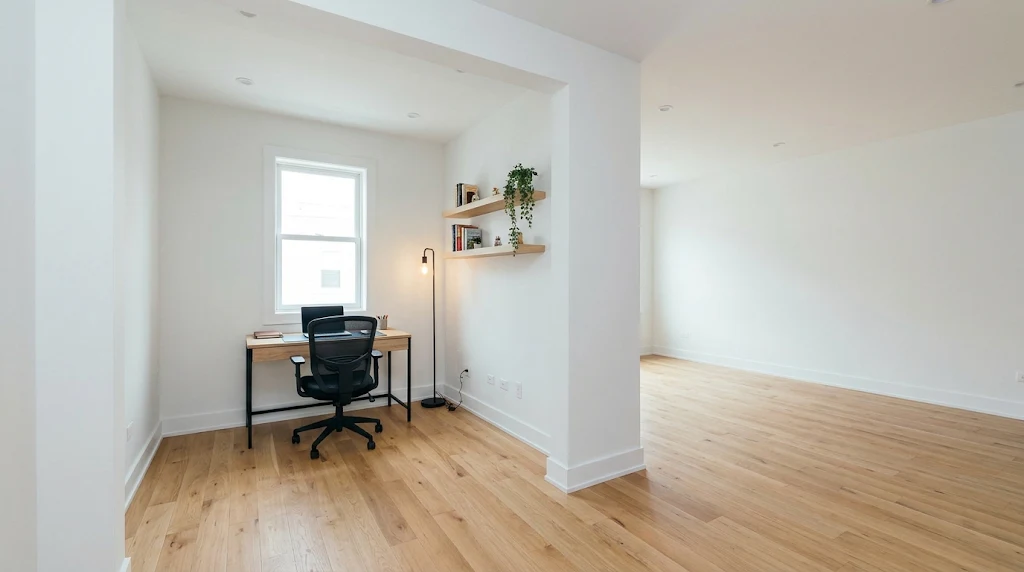
Home office corner
Alcove off the living area, desk and shelving
How it works
1. Photograph the empty room
Stand in a corner, keep the camera level, include the whole room. One clean, evenly lit photo is enough. Shoot from the same spot you would for the listing photo.
2. Choose a style
Pick one style and apply it to every room in the same property. Mixing styles across photos of one listing reads as inconsistent.
3. Check before you publish
Furniture scale, window position, flooring and light direction. If any of them changed, reject the image and regenerate. A staged photo that misrepresents the room is worse than no staged photo.
Three styles that work
Modern rental 现代出租风
Neutral sofa, light wood, simple rug, one plant. The safest choice for rental listings because nothing in it dates quickly or reads as a personal taste.
Scandinavian 北欧风
Light walls, pale timber, soft textiles, minimal contrast. Photographs well in small rooms and keeps the space feeling larger than it is.
Warm family 温馨家庭风
Deeper fabric tones, a dining setting, warm lamps. Best for family homes and suburban listings where buyers are imagining living there.
What AI staging gets wrong
Check these on every image before it reaches a client or a listing.
- AI staging adds furniture. It does not measure the room, so always check that the sofa, bed and table would physically fit before publishing.
- Windows, walls, flooring and ceiling height must stay unchanged. If a generated image moves a window or changes the floor material, do not use it.
- Lighting must come from one direction. Two conflicting light sources in one image is the most common sign of a staged photo.
- Small text, artwork and brand marks will not be accurate. Remove or replace them before publishing.
- Check what your local market requires for disclosure. Some regions require staged images to be labelled; follow the rule where the property is listed.
Questions
Is virtual staging allowed on property listings?
It is widely used, but disclosure rules differ by country and by listing platform. Check the requirement where the property is sold and label the image if that market asks for it. Never present a staged image as an unfurnished photo of the actual unit.
How long does one image take?
One room image typically completes in under a minute once the photo is uploaded. Reviewing the result and checking furniture scale takes longer than generating it.
Can the AI damage the room layout?
Yes, if the prompt is loose. The reliable approach is to upload the empty room photo as a reference and describe only what to add. Check walls, windows, flooring and perspective before delivering the image to a client.
Does it work on low-resolution phone photos?
It runs, but quality follows the source. A sharp, evenly lit photo with the whole room in frame produces usable staging. A dark, tilted or cropped phone photo usually produces distorted furniture.
What does it cost?
Image generation uses Kansova credits, shown before each generation. New accounts start with 100 free credits, which is enough to try several rooms before paying anything.
Try one room
New accounts start with 100 free credits — enough to stage several rooms before paying anything. No card required.
Example images on this page are AI-generated concept images, not photos of real listed properties. Verify disclosure requirements in the market where a property is sold.